Curating a FLAC Library That Will Outlive the Cloud
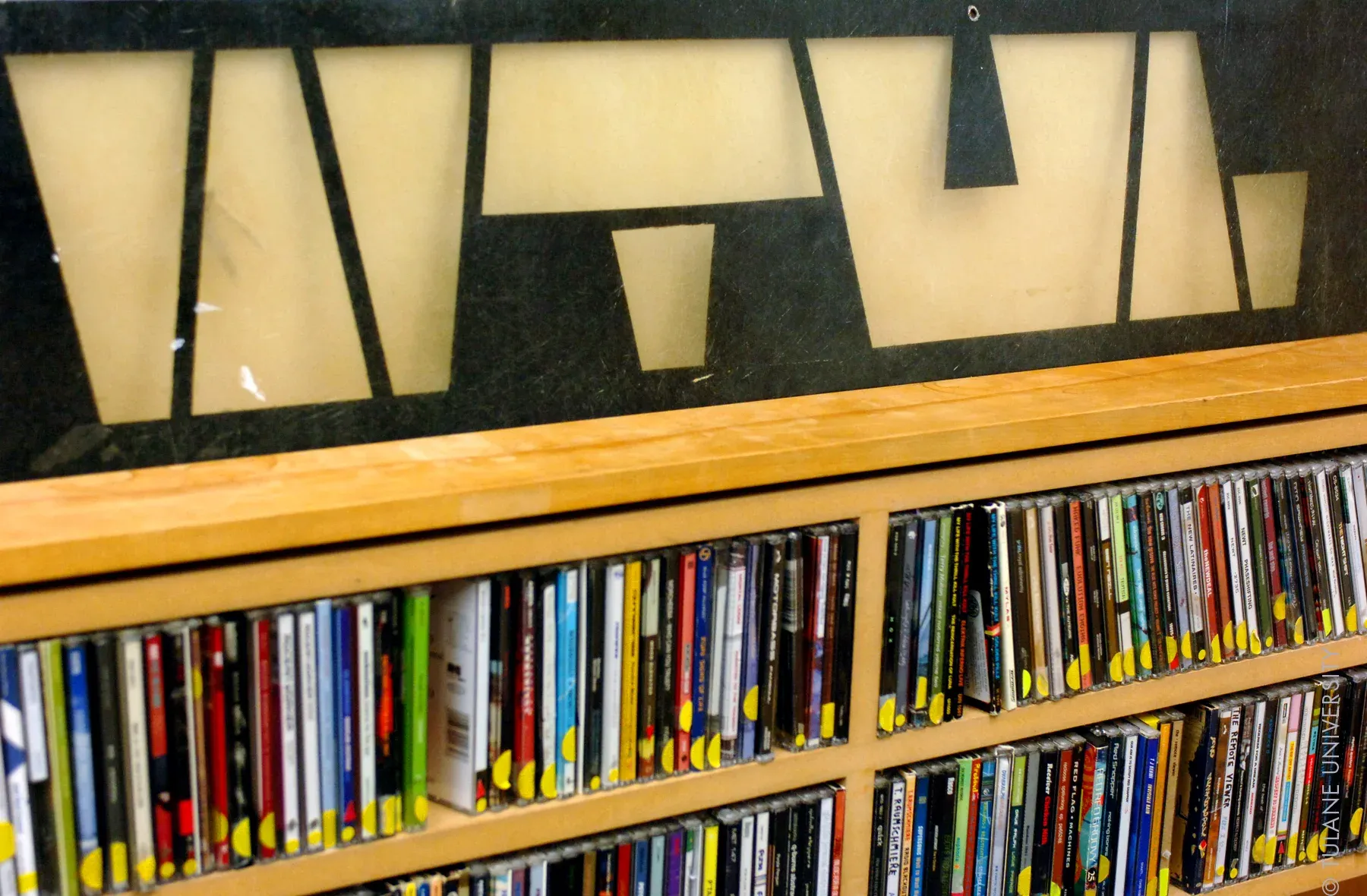
Your taste. Your tags. Your terms.
Streaming’s convenient. But it’s not yours.
Albums disappear. Remasters ruin mixes. Your favorite B-side? Gone in an update. And don’t even get started on metadata. That’s why you’re here, to build something better. Something permanent.
This isn’t just about hoarding music. This is about crafting a high-fidelity archive that reflects who you are, what you love, and how you want to experience it.
Why FLAC?
- Lossless: No compression artifacts, no sonic compromises. You get the full studio quality.
- Metadata Mastery: Edit every field, from genre to mood to record label.
- Longevity: No DRM. No expiration dates. Just your files, forever.
ThriveCMD Principle: If it matters to you, own the cleanest copy. Period.
Your Zen Garden Setup: Curator’s Toolkit
Tool | What It Does | Why It Matters |
|---|---|---|
Qobuz/Bandcamp | FLAC acquisition | Deep digs, rare rips, full discographies |
Mp3tag | Tagging, organizing | Where your curation style shines |
Plexamp | Playback + smart libraries | Tag-aware, slick UI, mobile ready |
MusicBrainz Picard (optional) | Batch metadata tagging | Useful for bulk fixes—but manual \> auto |
Spek / Fakin’ The Funk | FLAC verification | Keep transcodes out of your library |
Bonus: Use a dedicated “Inbox” folder for new FLACs, and don’t move them to the main archive until they’re fully tagged and verified.
Your Metadata Philosophy
This is where you separate from the pack. Your FLAC library is more than files it’s a museum.
Here’s how to curate with care:
- Naming Convention: \[Year\] Album Name (e.g. \[2001\] - Is This It)
- Artist Format: First Last — not Last, First (e.g. Luther Vandross, not Vandross, Luther)
- Genres: Keep them minimal. Let your player handle the nuance. (Rock\\Alternative, not Alt-Rock - Emo Revival)
- Extended Tags: Strip junk. Add only what you use.
- Artwork: 1000x1000 preferred. Square. Clean. Embedded.
- Rating System:
- 5 stars = timeless
- 4-4.5 stars = favorites
- 3-3.5 stars = situational, replay value
- 2-2.5 stars = skits, filler
- 1 star = instrumentals
- 0.5 star = tag tracks
Rule of Thumb: If the album doesn’t deserve care, it doesn’t belong in your archive.
Folder Structure: Organization That Scales
```markdown
Music/
├── A Day to Remember/
│ ├── 2010 - What Separates Me from You/
│ └── 2013 - Common Courtesy/
├── BADBADNOTGOOD/
│ ├── 2014 - III/
│ └── 2016 - IV/
```
Optional subfolders: Live Albums, EPs, Compilations, Instrumentals.
Backup and Sync (Yes, Again)
A library this curated deserves protection:
- Local: SnapRAID + MergerFS or mirrored RAID.
- Cloud: Rclone sync to encrypted Backblaze B2 bucket or external drive swap.
- Metadata: Back up your Plex Media Server folder if using Plexamp.
Notion Template: Music Archive Tracker
Track your FLAC acquisitions, tag completion status, rating, artwork status, and genres.
Click to Duplicate – ThriveCMD FLAC Archive Tracker (placeholder until shared)
Final Thought: You’re Not Just Collecting Music. You’re Preserving Culture.
This is legacy work. It’s for your future self. For your kids. For your sanity. For those late-night sessions where you want exactly the right track, with exactly the right tags, playing in full, lossless glory.
Because streaming is for playlists. This library? This is for life.